

Data Center Infrastructure: What It Actually Means When You’re Managing 500+ Live Websites
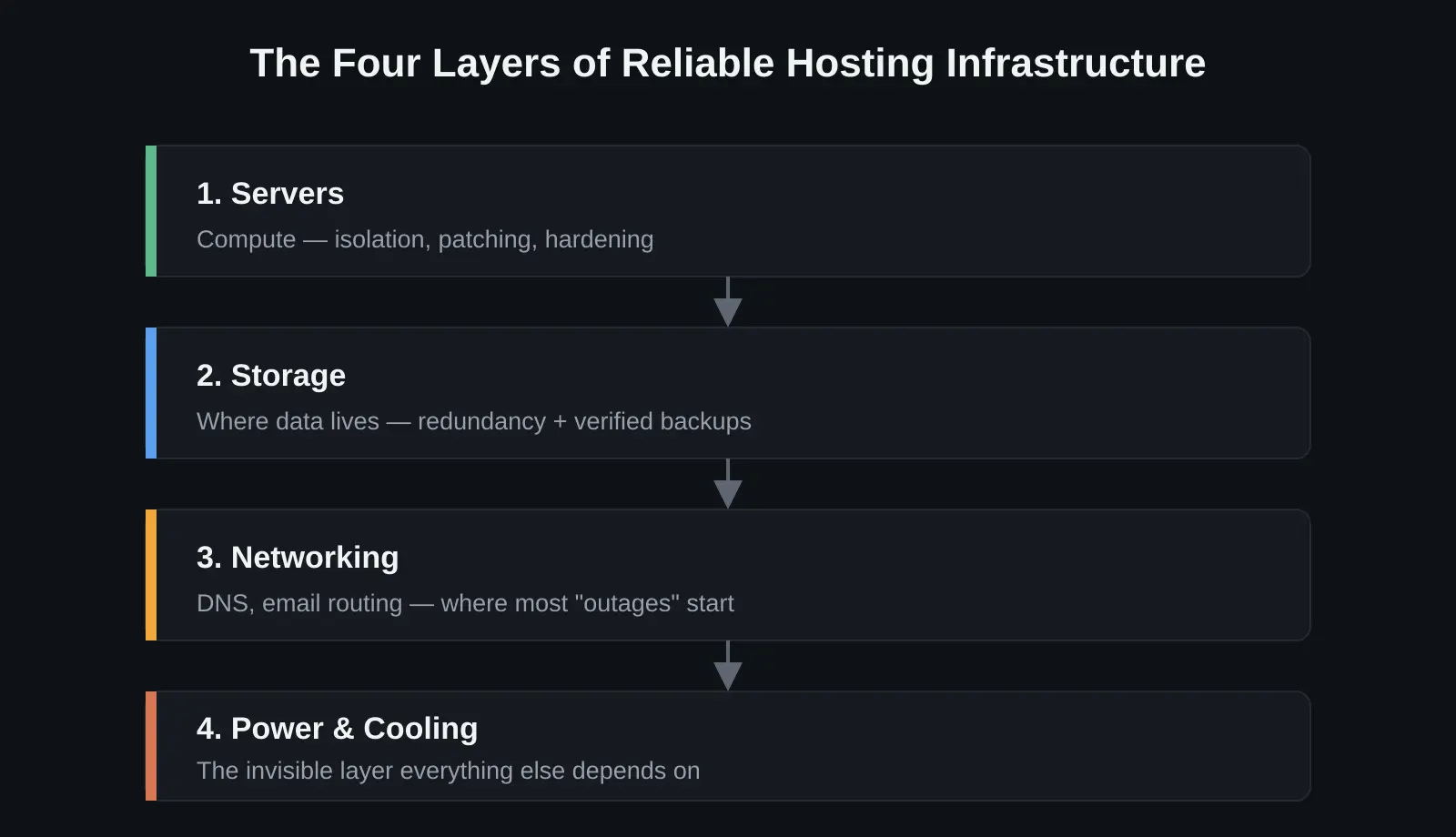
When people hear “data center infrastructure,” they picture racks of blinking servers in a cold, humming room. That’s part of it — but day to day, it really comes down to four layers working together:
- Compute — the servers themselves
- Storage — where your data actually lives
- Networking — how traffic gets in and out
- Power & cooling — the invisible layer everything else depends on
Miss any one of these, and it doesn’t matter how good the other three are. Here’s what each layer actually means, based on managing shared hosting environments running 500+ live websites, plus hybrid Linux/Windows Server infrastructure for a government client.
1. Servers — the layer everyone sees
Servers (VPS, dedicated, or bare-metal) are the most visible part of the stack, but they’re only as reliable as what’s behind them.
- One misconfigured server in a shared hosting environment can affect hundreds of accounts at once
- Resource allocation, account isolation, and consistent patching aren’t optional — they’re the baseline
- On Windows environments, clean Active Directory structure and Group Policy prevent one issue from cascading into a dozen others
2. Storage — where reliability is actually won or lost
Storage rarely gets attention until something goes wrong — a failed drive, a corrupted backup, a migration that doesn’t verify cleanly.
- Redundancy ≠ backup. RAID reduces the impact of a single hardware failure, but it isn’t a disaster recovery plan on its own
- A real DR strategy means backups that are automated, tested, and provably restorable — not just scheduled
- The difference between a smooth server migration and a client-facing outage almost always comes down to one thing: was the backup actually verified beforehand?
3. Networking — the part nobody notices until it’s down
DNS, email routing, and network configuration are where most “the website is down” tickets actually originate — and the root cause is rarely the website itself.
- A misconfigured DNS record, a broken SPF/DKIM/DMARC setup, or an upstream routing issue can look identical to a server crash from the outside
- The real skill is diagnosing which layer the problem is actually in — server, or network/DNS — quickly
- Getting that wrong costs days; a client’s email deliverability can quietly collapse for a week before anyone notices
4. Power & cooling — invisible until it isn’t
Most hosting admins never touch this layer directly, but it shapes everything above it.
- Redundant power (UPS, generator failover) and proper cooling (hot/cold aisle containment, adequate airflow) prevent the two most expensive failure modes: unplanned downtime and hardware degradation from heat
- You don’t need to be a facilities engineer to manage hosting well — but understanding why a provider’s uptime SLA depends on this layer changes how seriously you take your own monitoring and alerting
The takeaway
None of these layers work in isolation:
- A hardened server on unreliable storage is still fragile
- Solid storage behind a broken DNS setup still looks “down” to the end user
- Even a perfectly configured stack is only as good as the power and cooling underneath it
Managing infrastructure at scale — whether that’s 500 shared hosting accounts or a hybrid government environment — means holding all four layers in view at once, and knowing exactly which one to check first when something breaks. That systems-level view, more than any single tool or platform, is what actually keeps things running.